
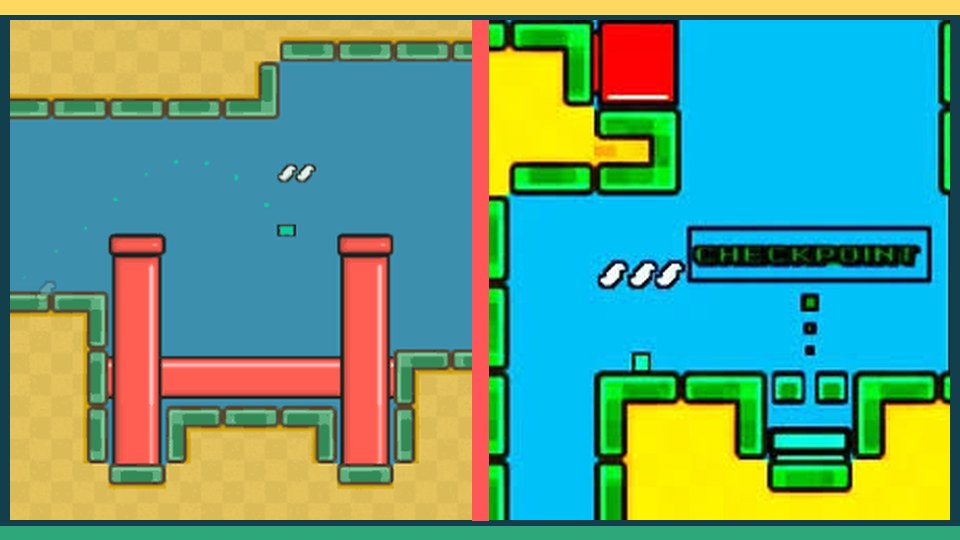
The most reliable improvement comes from combining route planning with calm, deliberate control. Use the ideas below one section at a time.
Choose a Stable Orientation
Landscape orientation provides more horizontal space and makes the full route easier to read. Place the device on a stable surface or hold it with both hands so your thumbs can reach the directional pad and boost button without stretching.
Tap Rather Than Slide
The directional controls respond best to deliberate presses. Lift your thumb between changes of direction instead of sliding across several buttons. This reduces accidental diagonal movement and keeps corrections clear.
Use Short Boost Presses
On touch screens, brief boost taps are easier to control than a long hold. Use them in open lanes, then return your thumb to a neutral position before the next turn. This helps avoid pressing boost during a hazard crossing.
Use Fullscreen for Focus
The fullscreen control expands the play area and removes page distractions. It is especially helpful on smaller devices. Exit fullscreen when you want to review tips, screenshots, or level information below the play area.
A Simple Practice Plan
- Play one level without focusing on speed.
- Identify the section that causes the most mistakes.
- Repeat the level with one specific correction in mind.
- Use boost only after the route feels predictable.
Consistent movement and a clear objective order are more valuable than a risky shortcut. Once the route becomes repeatable, faster completion times follow naturally.